
Help Center
Ask Questions. Browse Articles. Find Answers.
How do I save my notifications to New DeviantArt?
Back in June, we added a “Saved to New DeviantArt” folder to the Notifications page that allows you to migrate any saved notifications from the old version to the new version of DeviantArt.
Here are the steps to enable this folder, so you can save important notifications!
Here are the steps to enable this folder, so you can save important notifications!
While on New DeviantArt:
- Hover over a notification you'd like to save on New DeviantArt to start the process.
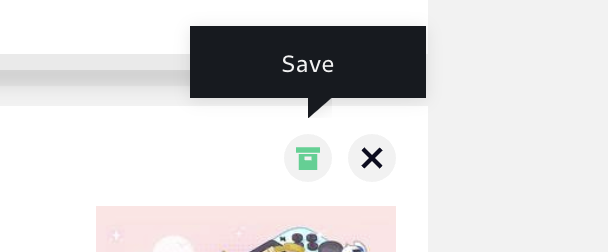
- Choose the "Save" button that appears on the right of each notification.
- You'll be able to find these messages in the "Saved" sections, depending on where you placed them.
3. Toggle back to classic DeviantArt using the switch at the top of your screen.
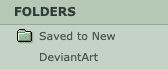
4. Your "Saved to New DeviantArt" folder should now be visible in your classic notification center.
5. Use the drop-down arrows presented on each notification (such as polls, deviations, comments) or drag/drop to sort them into folders!
4. Your "Saved to New DeviantArt" folder should now be visible in your classic notification center.
5. Use the drop-down arrows presented on each notification (such as polls, deviations, comments) or drag/drop to sort them into folders!
New DeviantArt Launch: Late May
Read more about New DeviantArt here!
Was this article helpful?
