
Help Center
Ask Questions. Browse Articles. Find Answers.
What are DeviantArt's Brand Guidelines?
This guide explains how to use the DeviantArt name and logo when creating content, whether it's images, videos, posts, stories, reels, or anywhere you'd like to use it.
With the following in mind, you can keep DeviantArt branding clear and consistent while your art stays front and center.


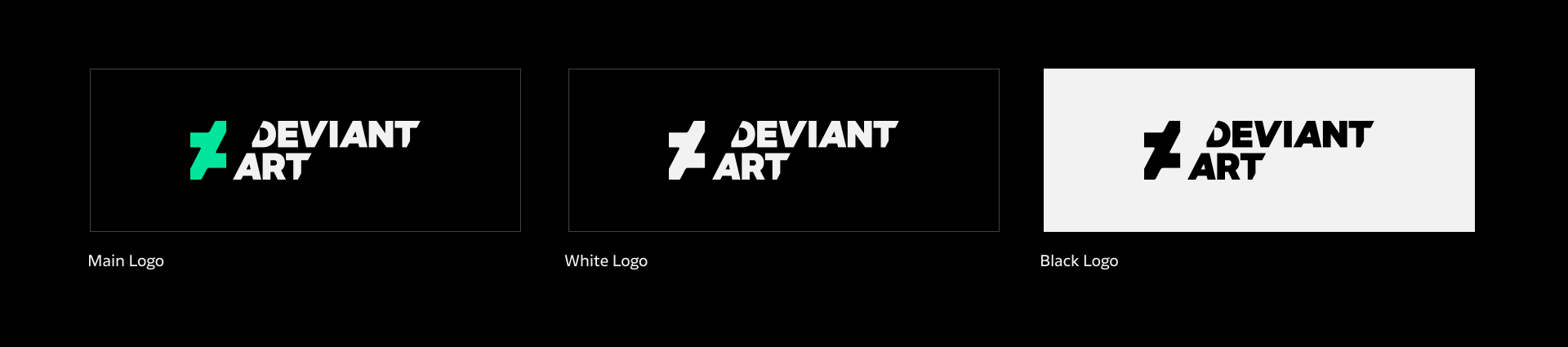
Logo Usage
Overview
Use one of the logos provided in the link above.
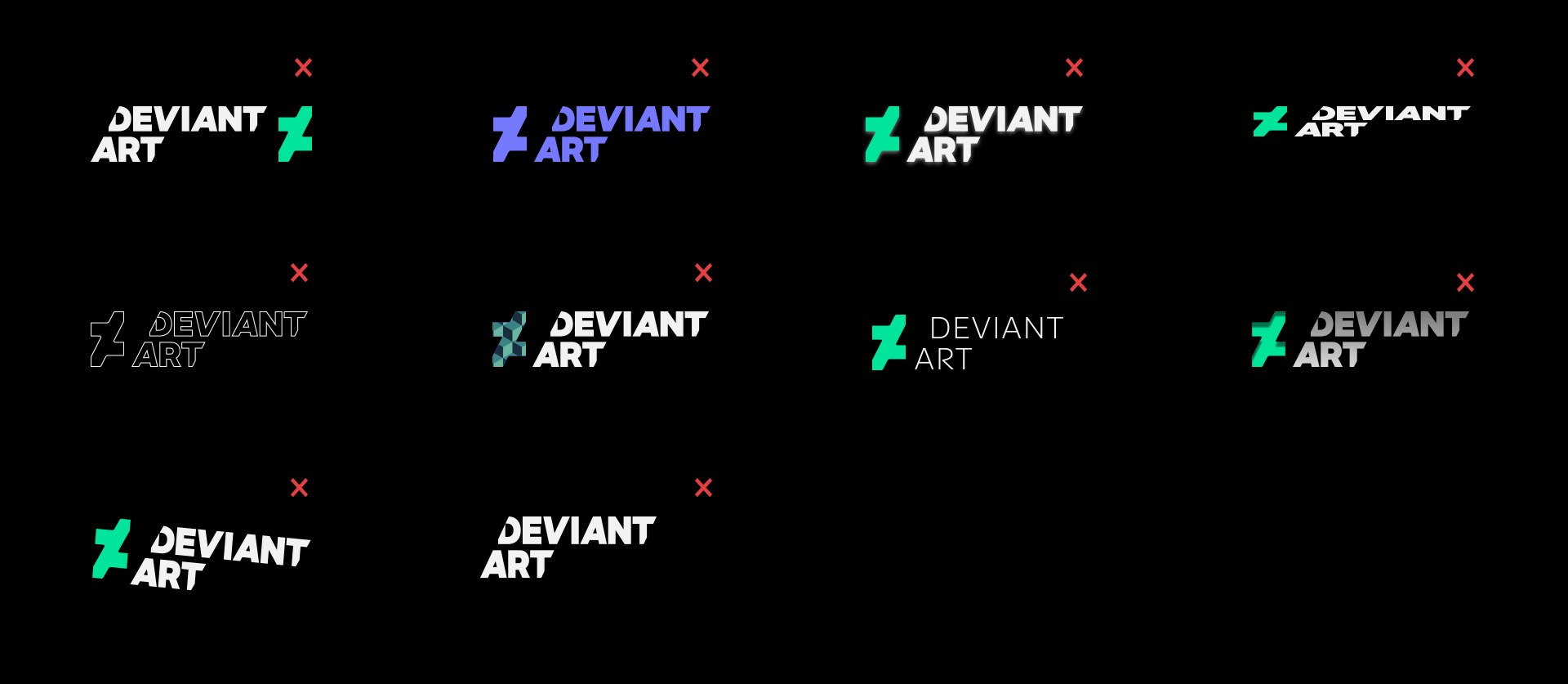
- Do not change colors, proportions, or orientation.
- Do not add effects, filters, or animations.
- Make sure the logo is always clear and readable.
Logo on Images
- Use the white logo on images.
- Do not apply shadows, outlines, or effects.
- Place the logo on a clean, high-contrast area.
- The green symbol logo is not recommended on images.
Logo Placement
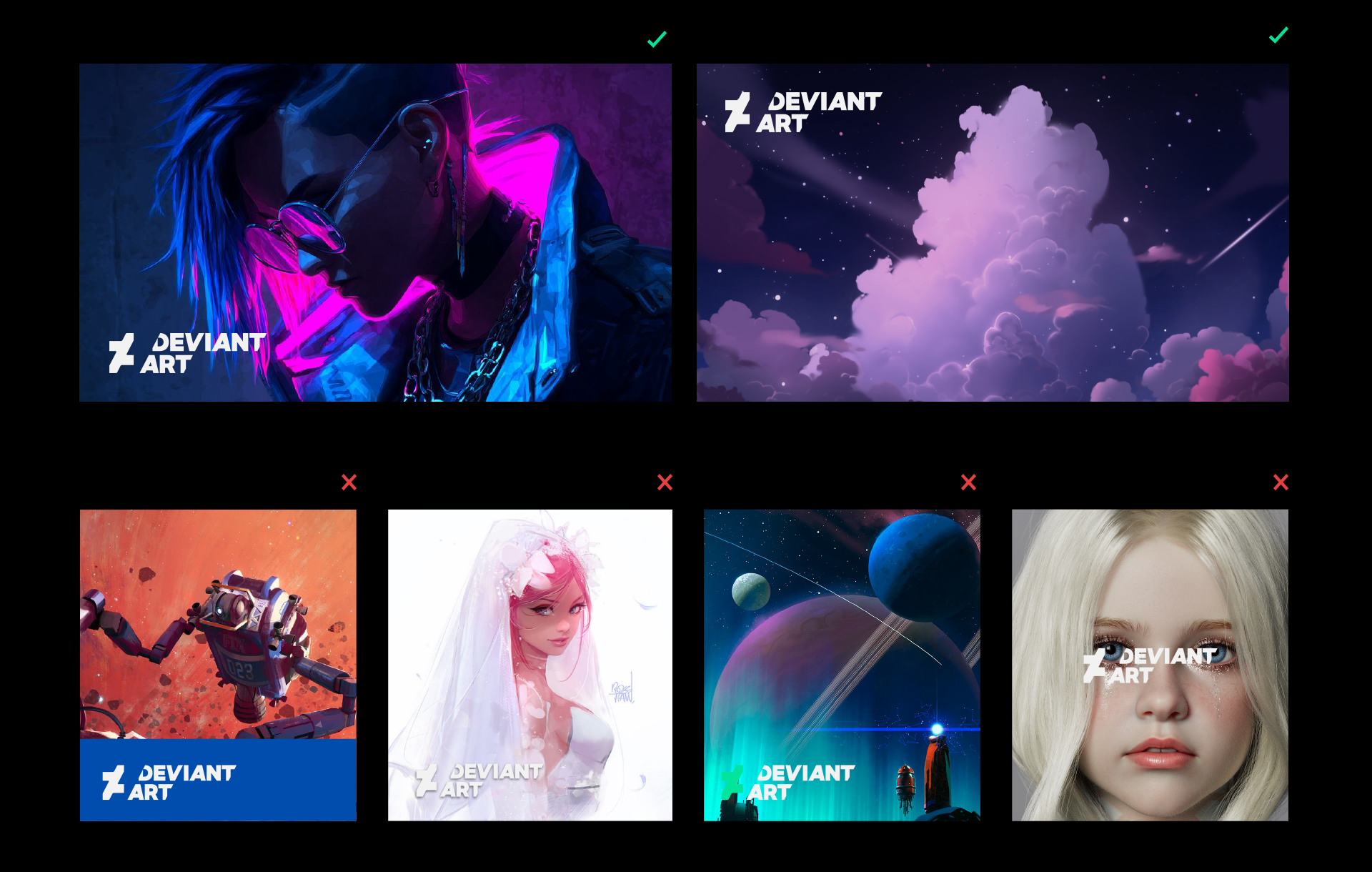
It's recommended to place the logo in the following areas:
- Bottom-left or top-left corner.
- Clean, uncluttered background.
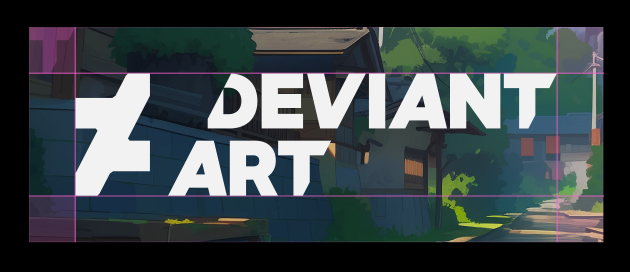
- Leave space between the logo and the edges.
Avoid:
- Center placement.
- Covering faces or key artwork.
- Busy or low-contrast areas.
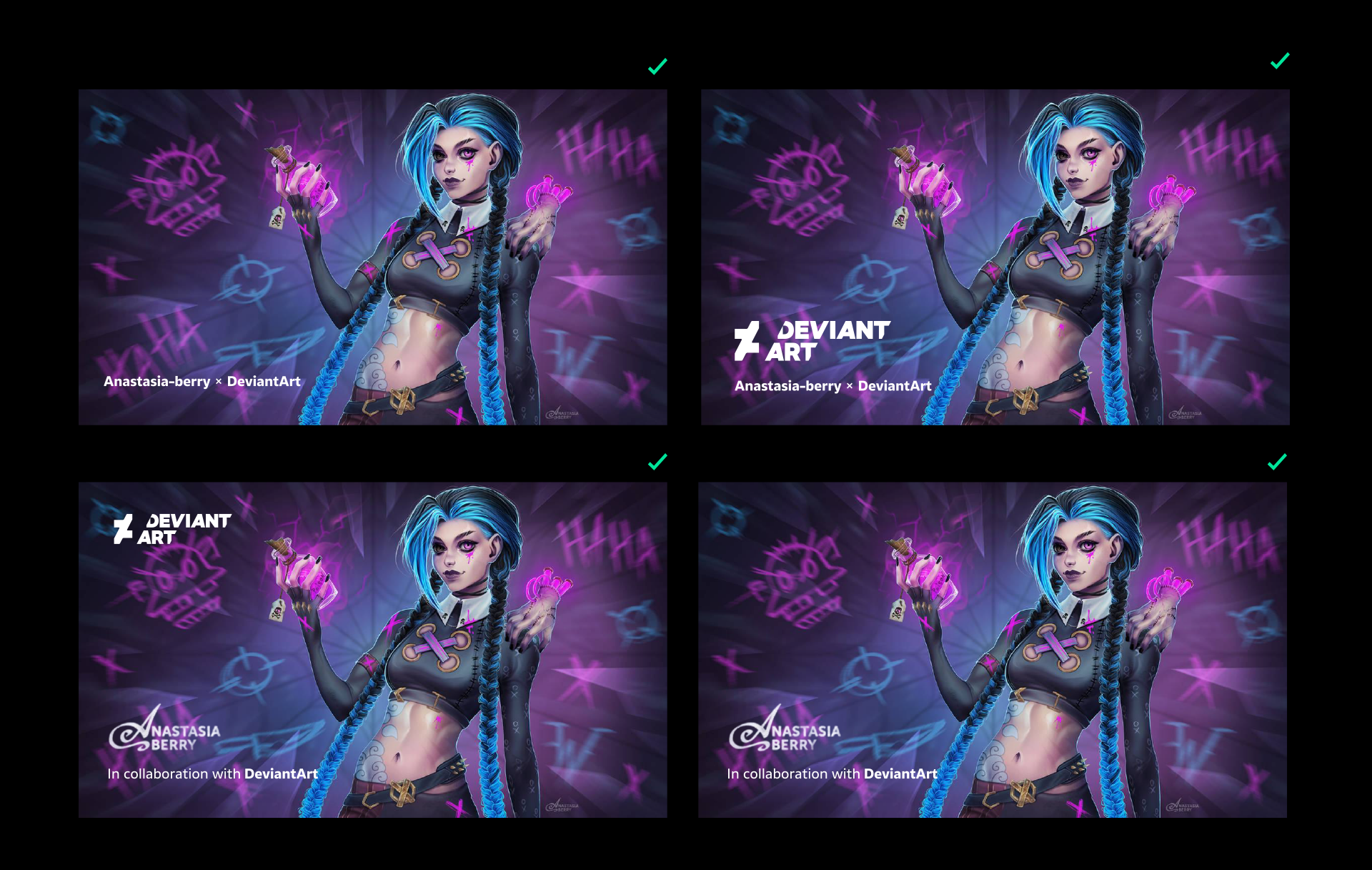
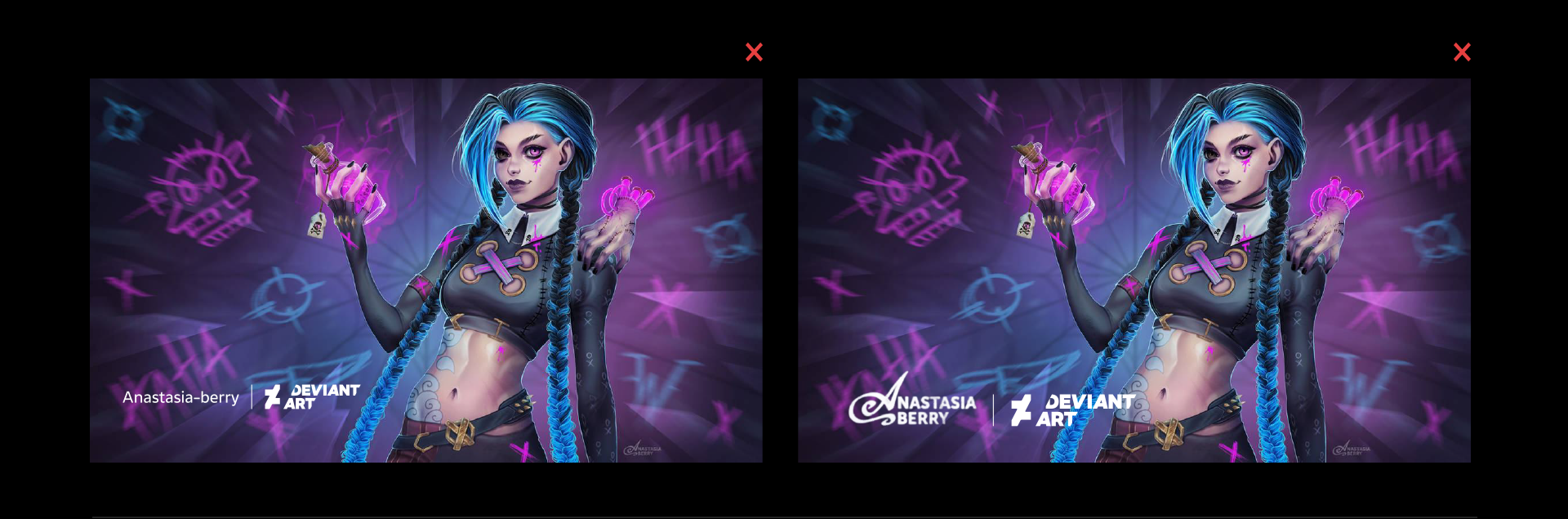
Your Name With Ours

Allowed
- Your name (or DeviantArt username) always comes first.
- Use additional text only to credit the collaboration.
- “DeviantArt” must be spelled exactly as shown.
Optional
- The DeviantArt logo may appear separately, if it fits the layout clearly.
- Artist logos may be used alongside text credits.
Not allowed
- Do not visually merge your name and the DeviantArt logo.
- Do not create logo lockups or logo‑to‑logo layouts.
- Do not style text credits to look like a logo or brand mark.
Video Usage
Allowed
- The logo may appear at the beginning, end, or as a subtle corner mark.
- Text credit may appear in captions or as an end frame.
- Simple fade-ins and fade-outs are allowed.
Recommended
- Keep logo appearance short and minimal.
- Place logos on clean, uncluttered areas.
- Use text credit when logo placement is not clear.
Not allowed
- Do not animate, distort, or transform the logo.
- Do not add shadows, outlines, or effects.
- Do not create logo lockups or logo‑to‑logo layouts.
Typography
- Artists may use their own fonts and typographic styles. DeviantArt does not require the use of brand fonts in creator or artist collaborations.
- Text credits should remain simple, readable, and consistent with your own visual style.
- Avoid styling credits in a way that resembles a logo or brand mark.

Questions?
If you’re unsure about usage, please ask before publishing.
Was this article helpful?
